An AI clothes changer is an online photo tool that places clothing from a reference image onto a person or AI fashion model. It helps you change clothes in photos and create realistic virtual try-on images without a traditional photoshoot.
AI Clothes Changer · Virtual Try-On
Turn clothing photos into realistic model images
Create AI fashion model photos for product listings, social media posts, and ads.
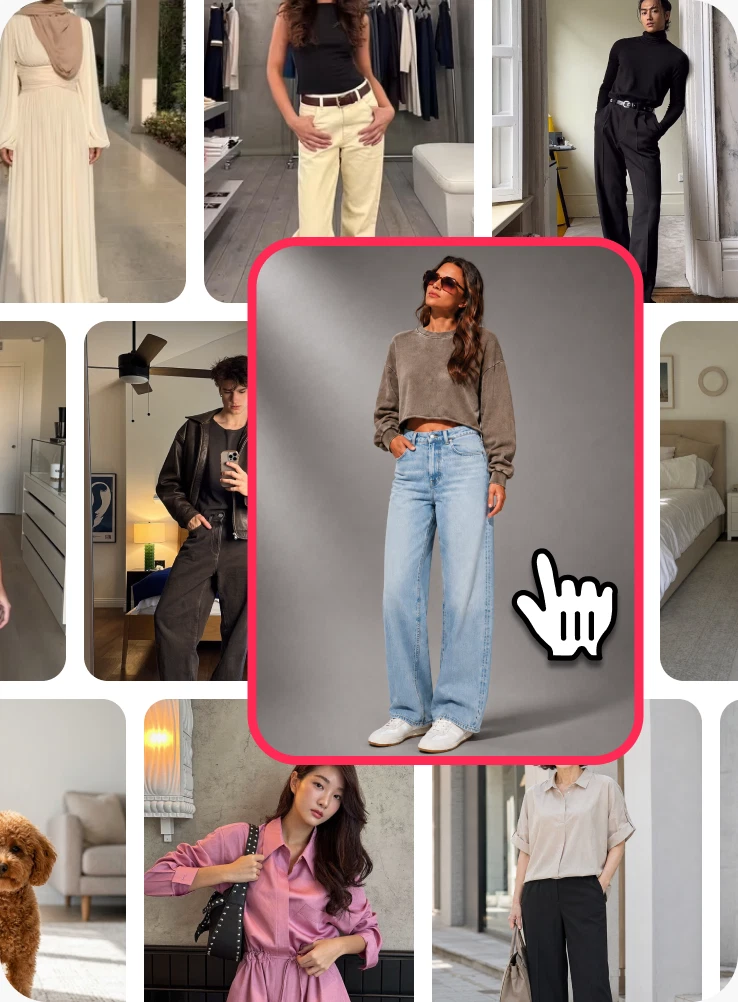
Step 1
Add one or a group of models
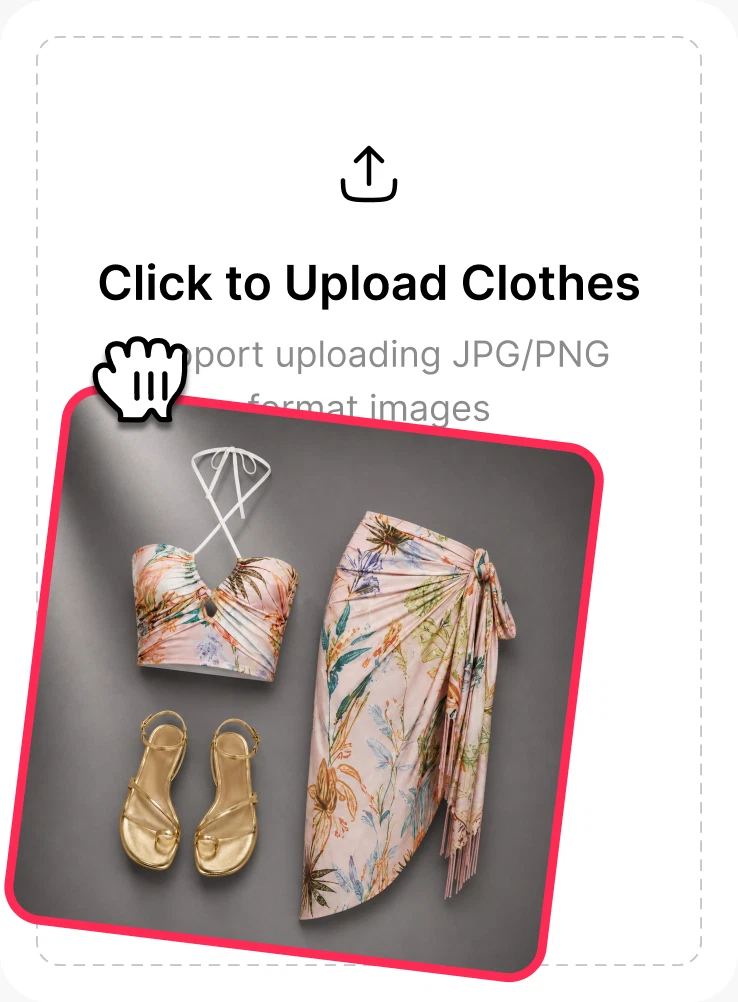
Step 2
Flat lays, product shots, or screenshots
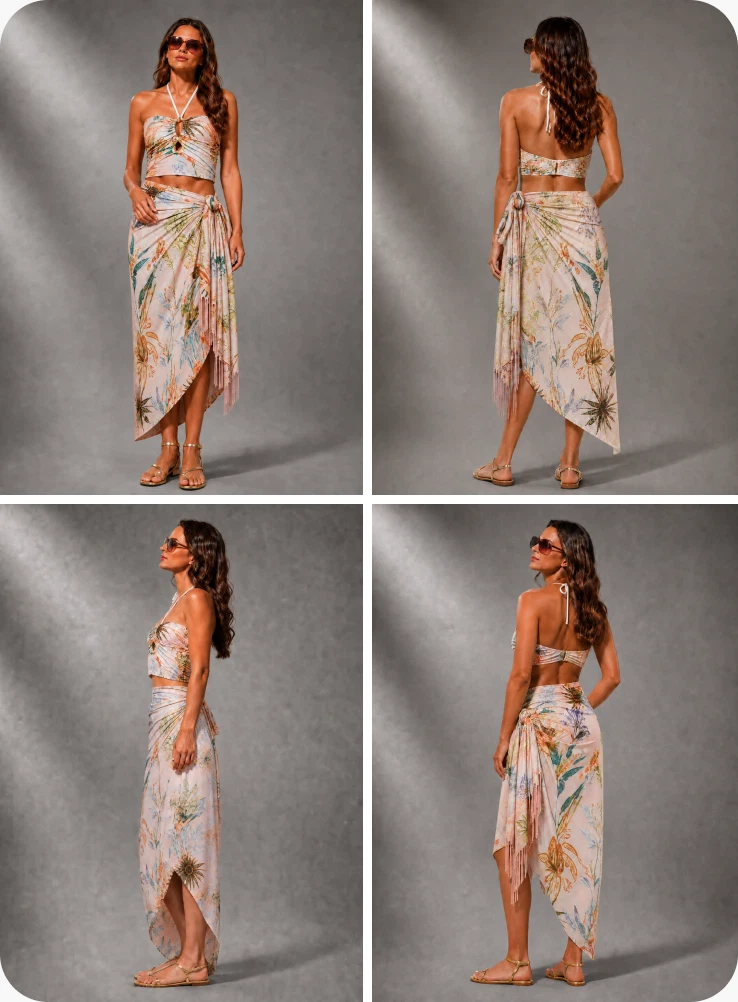
Step 3
Create one image or a complete set.
AI product photography for every channel
One upload. More places to sell
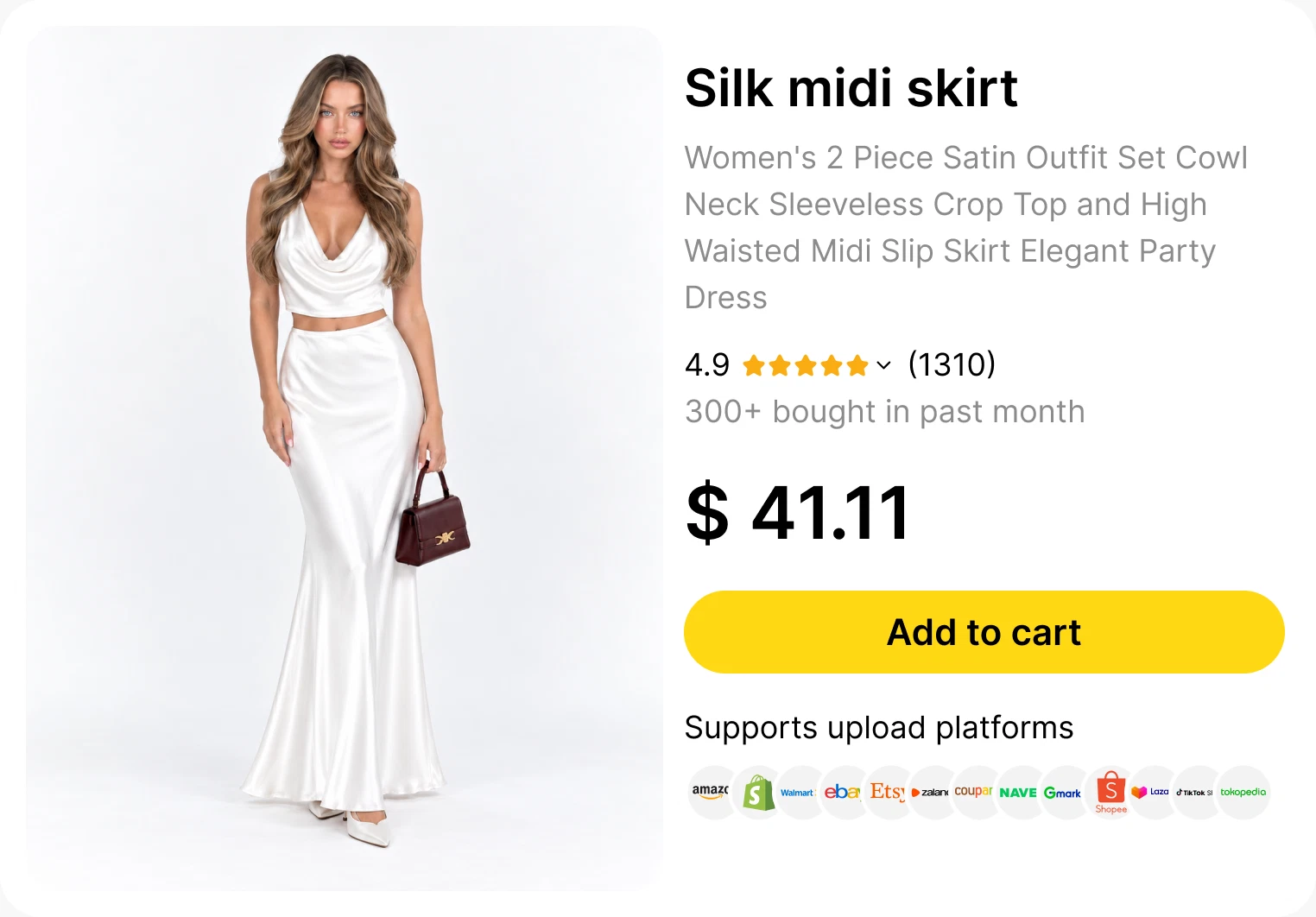
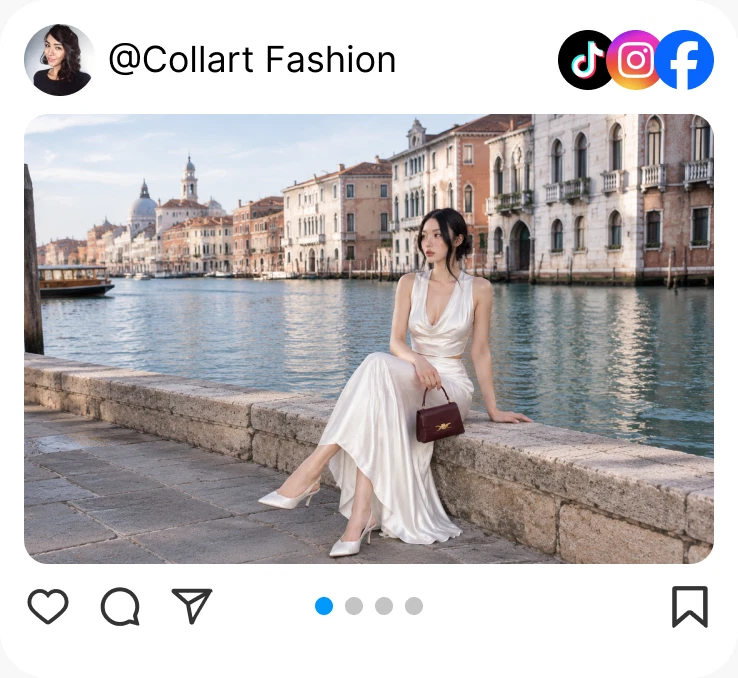
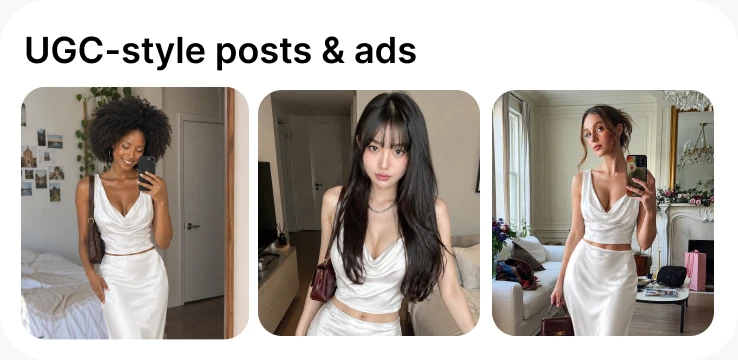
AI product photography for every channelTrue to the garment
One upload. More places to sellDetails stay visible
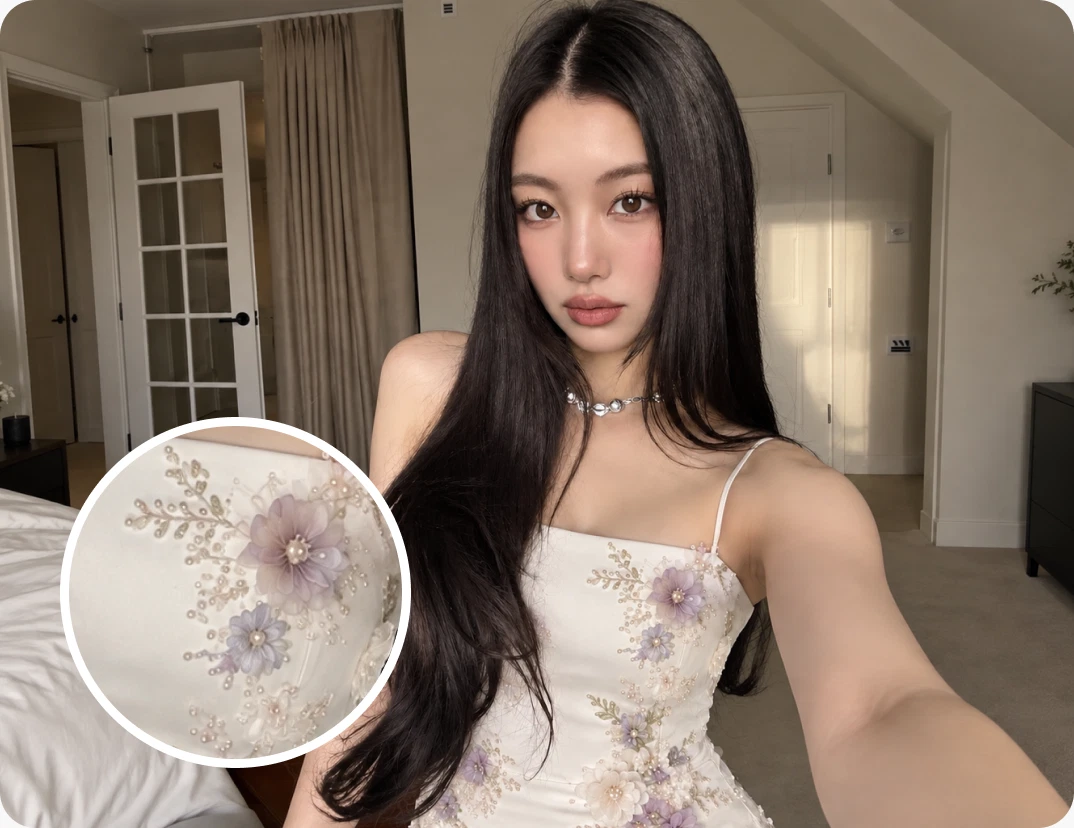
Patterns
Keep prints recognizable
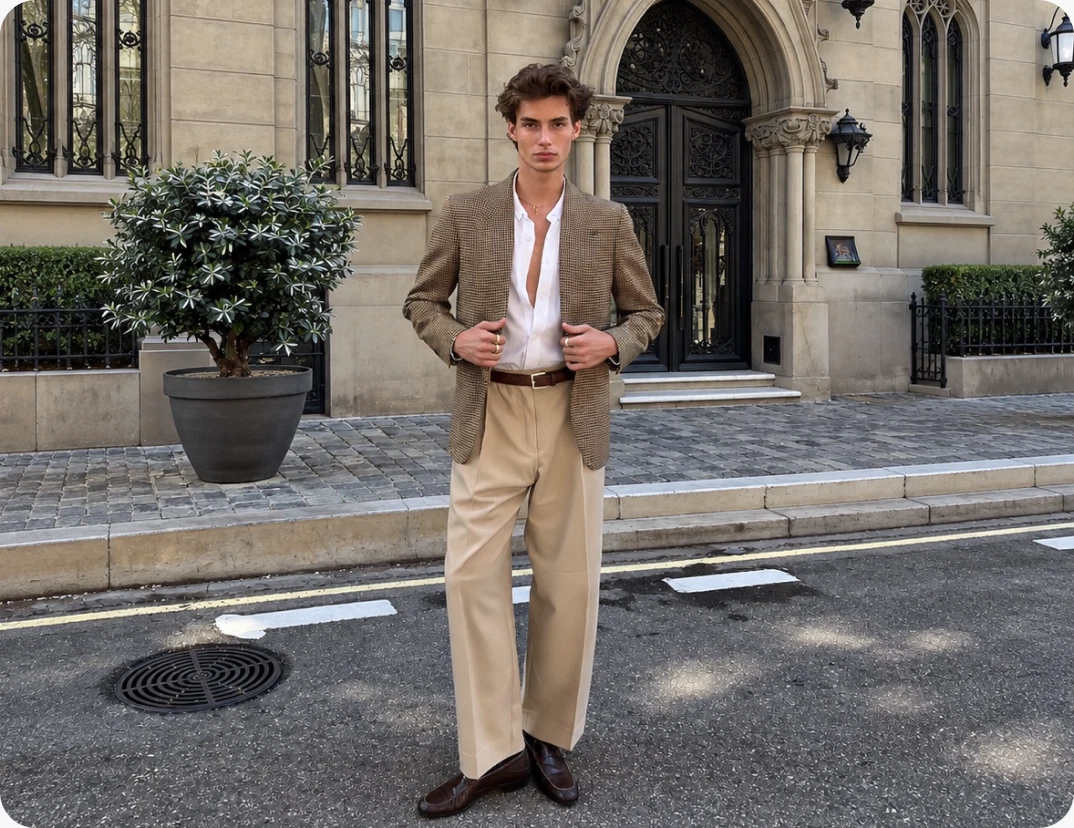
Structure
Natural fit and silhouette
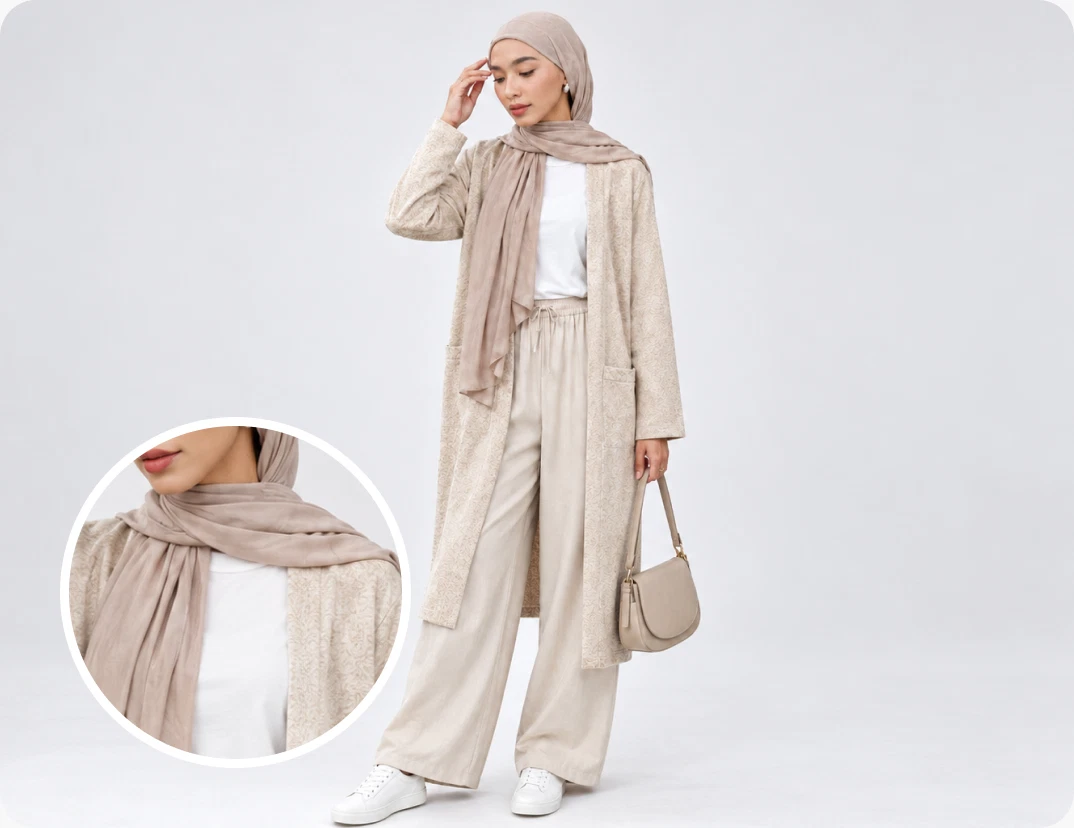
Texture
Believable fabric and folds
Frequently Asked Questions
Upload or select a clear model photo, add a clothing product image, and click Generate. Collart’s AI outfit changer blends the garment with the model’s pose, body shape, lighting, and background.
Both. Create one hero image or a same-model image set with multiple poses that shows the garment from different angles.
Yes. Collart’s copyright-safe AI models can be used directly for product pages, marketplace listings, social media, and ads.
Upload a flat lay, product photo, screenshot, mannequin image, or existing on-model clothing photo.
Use them for Shopify, Amazon, Coupang, Shopee, TikTok Shop, product listings, TikTok, Instagram, Facebook, and UGC-style ads.
Yes. Create e-commerce product images for Shopify, Amazon, Walmart, eBay, Etsy, Zalando, Coupang, Naver Smart Store, Gmarket, Shopee, Lazada, TikTok Shop, and Tokopedia listings.